

Recover unsent iPhone stock counts and picking
The iPhone app stores unsent stock-count and picking operations on the device when communication fails. Device storage is separate from server confirmation. Inspect the saved task instead of repeatedly scanning the same card.
This guide applies to versions with 保存した棚卸し・ピッキング (Saved stock counts and picking) in Settings. Ask your distributor which version supports it if the option is absent. The iPhone app is in Japanese.
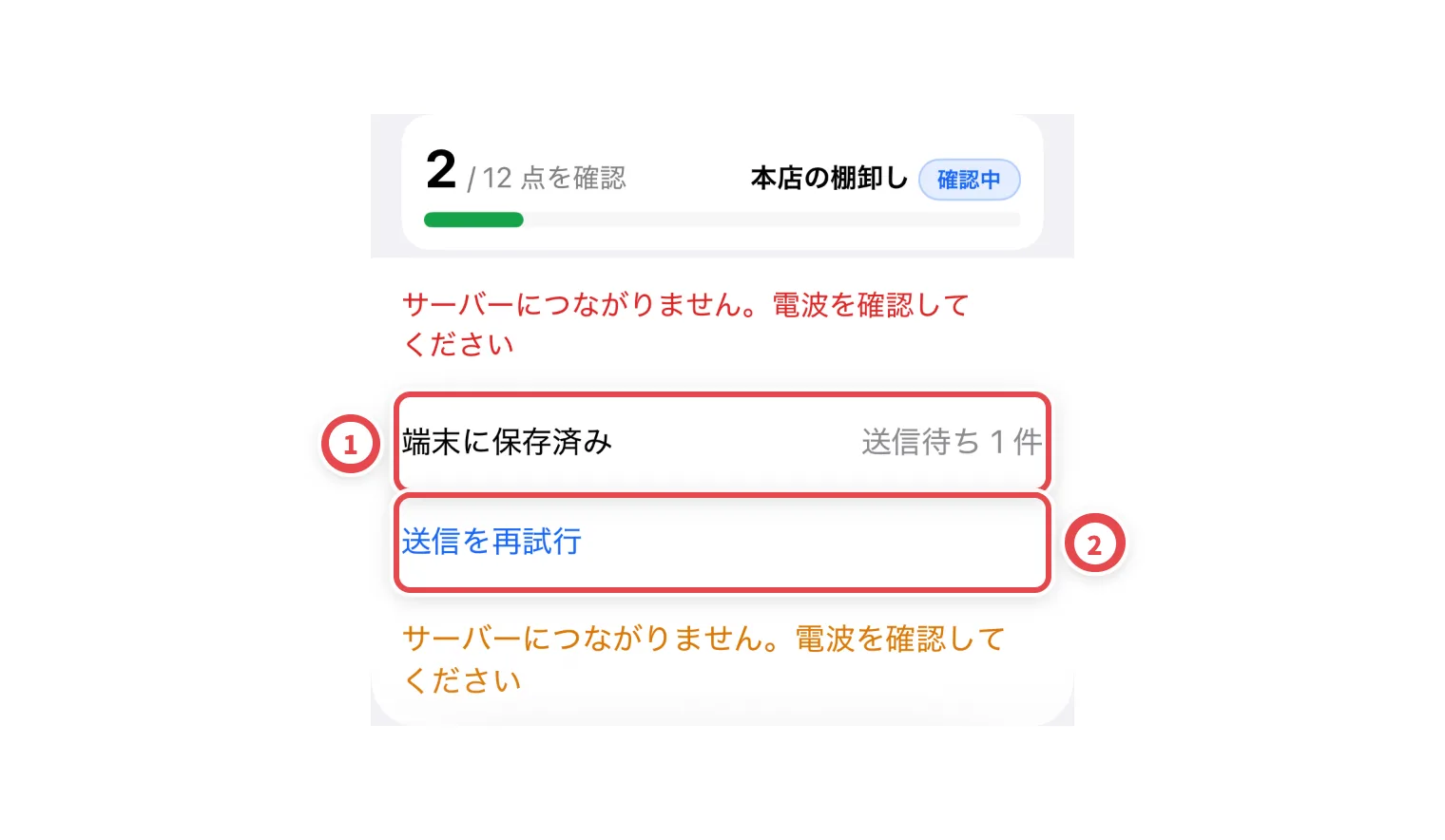
1. Check unsent stock-count operations
Match locally saved reads at ① and the retry action at ②. Restore connectivity, retry and check that the unsent state clears. Extra scans do not substitute for a successful send.
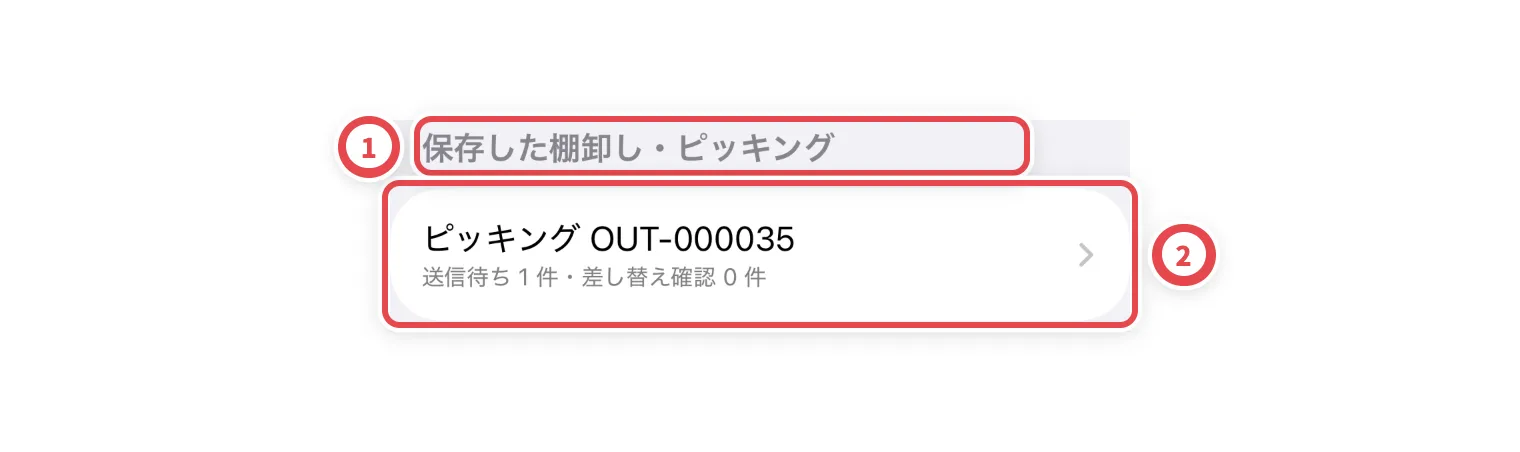
2. Reopen the same task from Settings
Find 保存した棚卸し・ピッキング at ①. Match the task, site, shelf and unsent count at ②, then reopen it. This entry also recovers saved work after restarting the app.
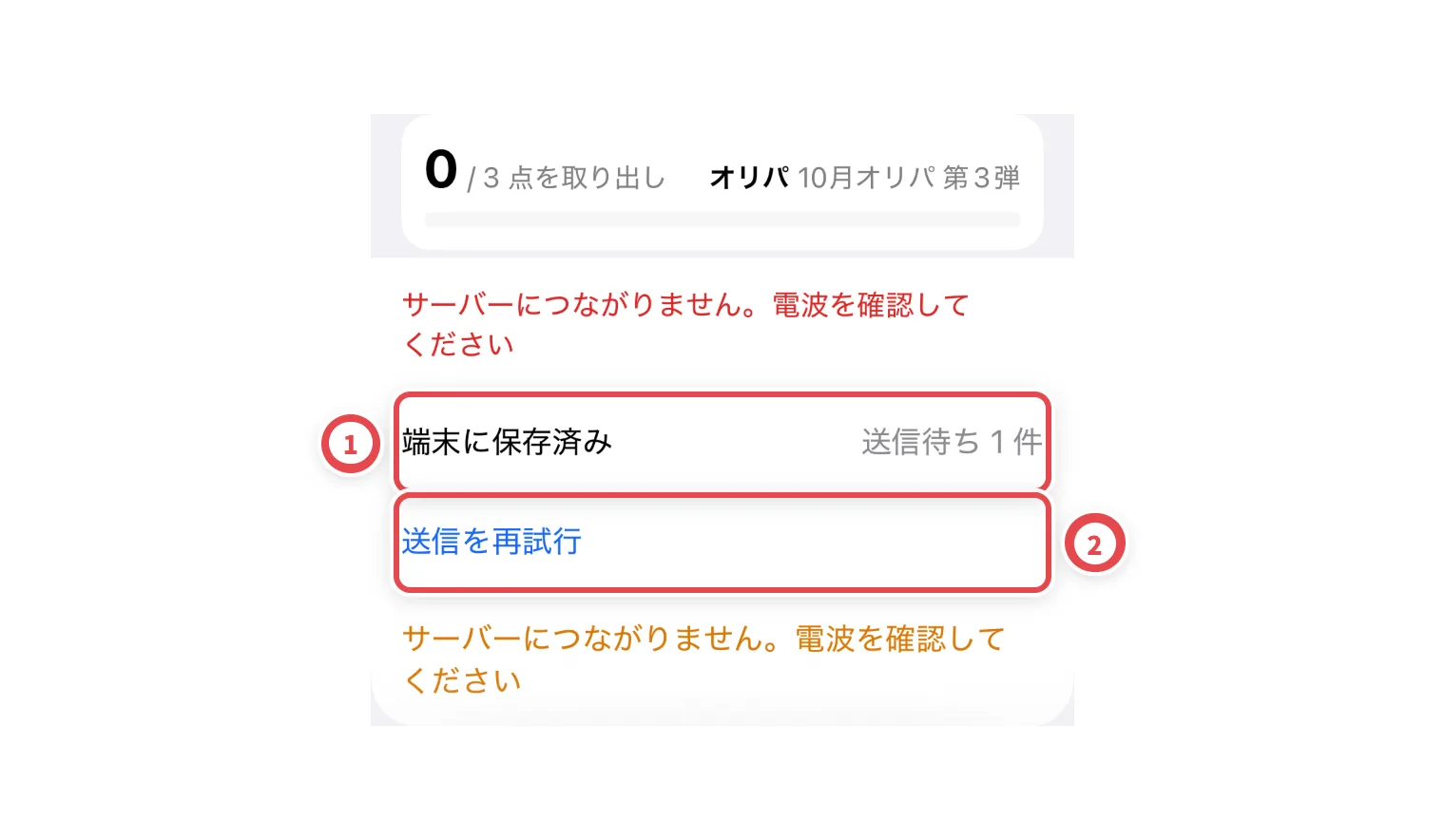
3. Check unsent picking operations
Match the outbound order and unsent count at ①. After restoring connectivity, retry at ②. For a replacement unit, distinguish a proposal from completed approval. Review a saved proposal instead of creating a duplicate.
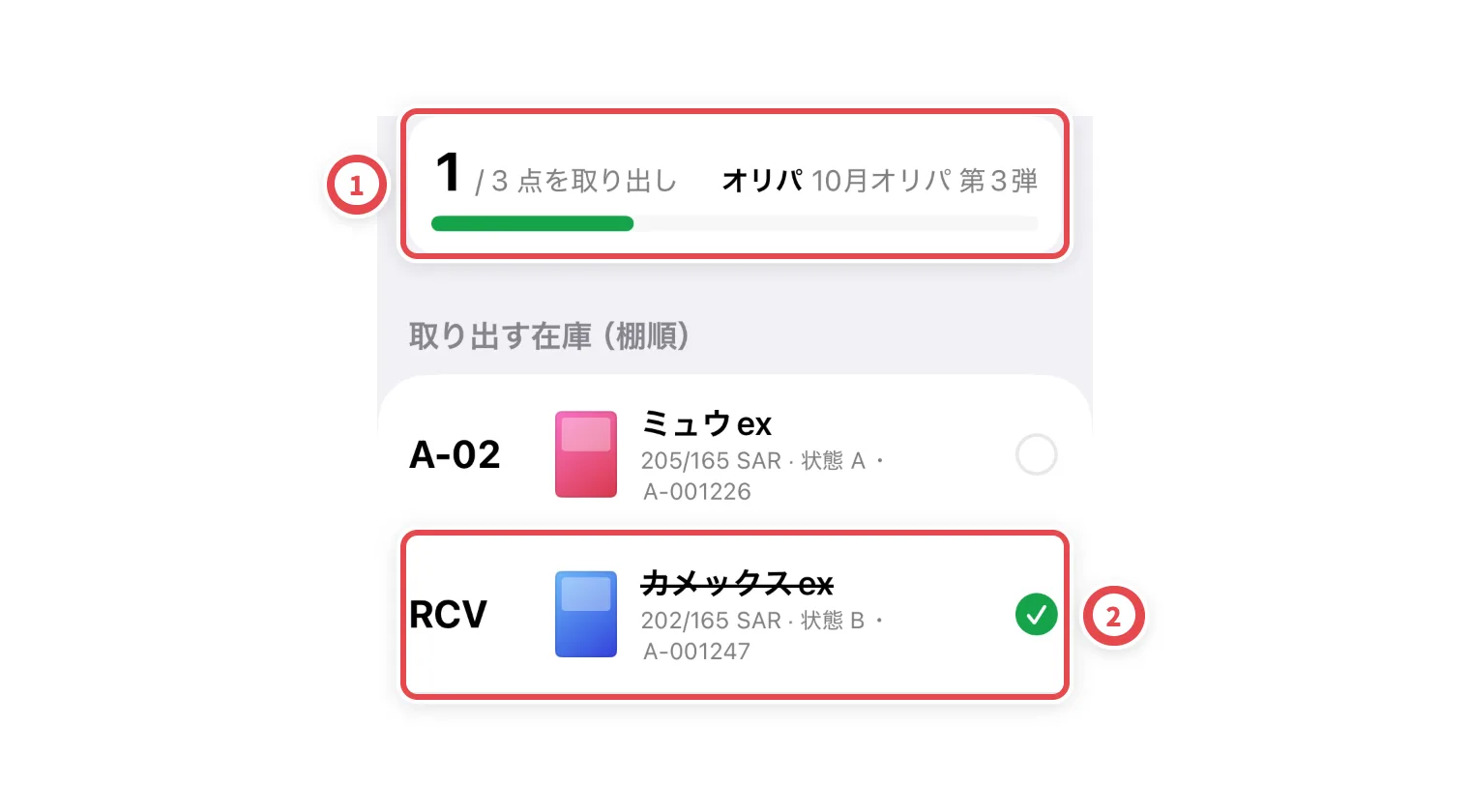
4. Verify server confirmation
Check that the unsent indicator clears at ① and the confirmed record appears at ②. If permission, task completion or another operator’s update prevents retry, reload the current state. Keep the app installed while unsent work remains and read any sign-out warning.
Troubleshooting
| What you see | What to check |
|---|---|
| Task absent after restarting | Open saved work in Settings; verify shop, account and device. |
| Retry fails | Check connectivity, sign-in, permission and the task’s current state. |
| Replacement proposal remains | Check the proposal and approval status; avoid duplicates. |
| Sign-out warning | Inspect unsent work before clearing local data. |